
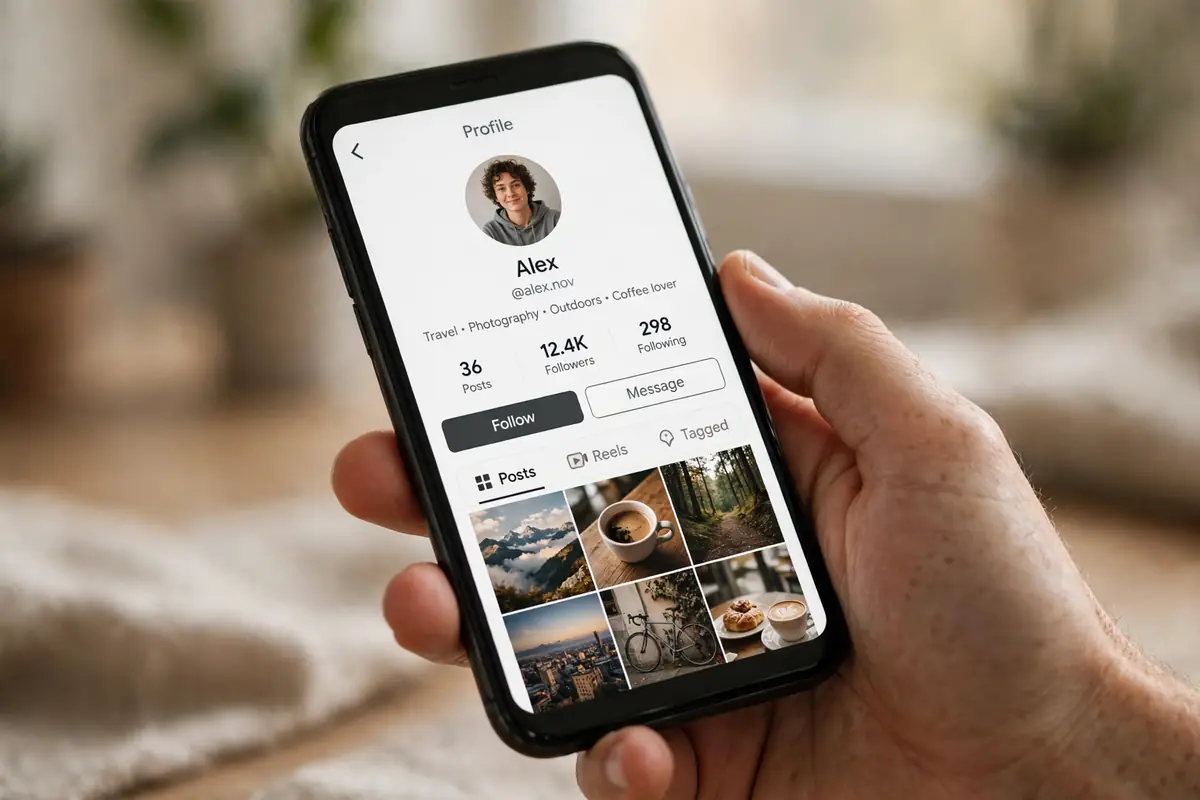
Your follower count has dropped by one, and you want to know who left. It is a completely normal question — and Instagram makes it surprisingly hard to answer. Here is the honest picture: Instagram does not tell you who unfollowed you, but there are safe ways to work it out.
The Short Answer: No, Instagram Does Not Show Unfollowers
Instagram has never had a “who unfollowed me” feature. An unfollow is completely silent: there is no notification, no activity log entry and no screen that lists accounts that used to follow you. A follow triggers a notification; an unfollow does not.
Your follower count only shows the net change. If you gain three followers and lose four in a day, the count simply falls by one — with no clue about who came or went. That is why the only reliable method is comparison: keep a snapshot of your follower list and compare it with a later one.
How to Check If One Specific Person Unfollowed You
If you have someone in mind, the check takes seconds:
- Go to your profile and open your Followers list.
- Search for their username. If they are no longer there, they no longer follow you.
- Visit their profile. If the button says “Follow” where it used to say “Following”, they have unfollowed you (or you never followed them back and they removed you).
Be careful with the interpretation, though. A missing name can also mean they blocked you, deactivated their account, or had their account removed. If you cannot find their profile at all, blocking is the more likely explanation — an unfollow alone does not hide a profile from you.
Method 1: The Manual Snapshot (Free and Safe)
This is the method that always works, and it costs nothing:
- Take a snapshot of your follower list today. A screenshot works for small accounts; for larger ones, use Instagram’s official data export (below).
- When your count drops, take a fresh snapshot and compare the two lists. Any name present before but missing now has unfollowed you in between.
The limitation is obvious: a snapshot can only detect unfollows that happen after it is taken. Nothing can reconstruct unfollows from before your first snapshot, because Instagram never exposed that history.
Method 2: Use Instagram’s Official Data Export
Meta’s “Download your information” tool, found in the Accounts Centre, gives you a complete followers list as a data file. The process is:
- Go to Settings, then Accounts Centre, then “Your information and permissions”.
- Choose “Download your information” and request your Instagram followers data.
- When the export is ready, download it and keep it as your baseline.
- Repeat the export later and compare the two follower lists — a simple spreadsheet comparison will show exactly who left.
This is the most reliable method for larger accounts, and because it uses Instagram’s own tool, it carries no account risk.
What About Business and Creator Accounts?
Business and creator accounts get follower growth and loss counts in Instagram Insights, which is useful for spotting a spike in unfollows. However, Insights shows numbers, not names — it will not tell you who left.
Should You Use a Third-Party Unfollower App?
Third-party follower-tracker apps promise to do the comparison for you, and some do work by taking snapshots of your follower list. But they come with real risks, and they are the reason many accounts get locked:
- Never hand over your Instagram password. Apps that ask for it can trigger Instagram’s bot detection, and a compromised password puts your whole account at risk.
- Avoid apps that act on your behalf. Tools that follow, unfollow or like automatically are the ones most likely to get an account restricted or suspended.
- Real-time unfollow alerts are a red flag. Instagram does not provide an unfollow feed, so any app claiming instant alerts is almost certainly scraping data in ways that break Instagram’s rules.
- Snapshot-only tools are the safer end of the market, but even then, check reviews, permissions and privacy policies before installing anything — and prefer tools that work from your own data export rather than your login.
For most people, the manual snapshot or the official export gives the same answer with none of the risk.
Frequently Asked Questions
Can you see who unfollowed you on Instagram?
Not directly. Instagram has no built-in unfollower list or notification. You can find out by comparing two snapshots of your follower list, or by checking a specific person’s profile.
Does Instagram notify you when someone unfollows you?
No. Unfollows are silent. You will only notice if your follower count drops or a name disappears from your Followers list.
Can I see who unfollowed me in the past?
No. No tool can recover unfollows from before you started tracking, because Instagram never published that history. Start your first snapshot today if you want to know about future unfollows.
Is it safe to use unfollower tracker apps?
Many are not. Avoid any app that asks for your password or performs actions on your account. The official data export and manual comparison are the safe options.
How can I tell if someone blocked me instead of unfollowing me?
If they unfollowed you, you can still find and view their public profile. If they blocked you, their profile, posts and stories will be hidden from you and searches for their username will come up empty.
